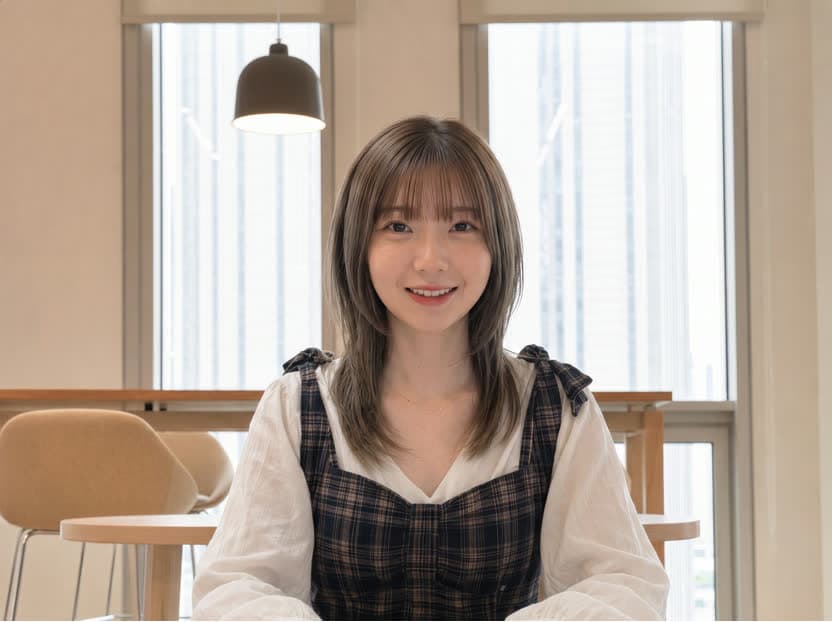
AI lip sync studio
AI Lip Sync Generator for Images and Videos
Match a portrait or existing video to your own voice track. Choose Kling AI Avatar for a talking portrait or Volcengine for video-to-video lip sync, review the exact credit estimate, and generate in one workspace.
01
Bring your own voice track
Upload recorded dialogue, narration, or a finished voiceover in common audio formats. SkyVid reads the media duration on the server and shows the billable seconds before you submit.

02
Choose the right source workflow
Start from one portrait with Kling AI Avatar Standard, or preserve the motion and framing of an existing clip with Volcengine Video-to-Video Lip Sync. The form changes to match the selected model.
03
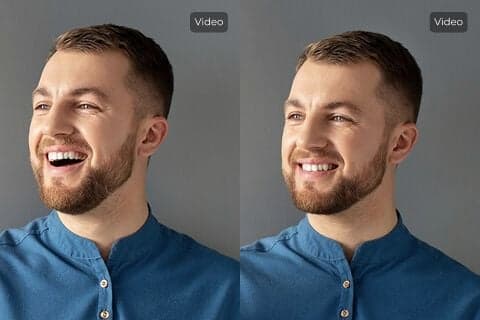
Control timing for source video
Volcengine Lite can align audio, loop a shorter source clip, alternate the loop direction, and start from a chosen point. Basic mode adds scene detection for more involved footage.
04
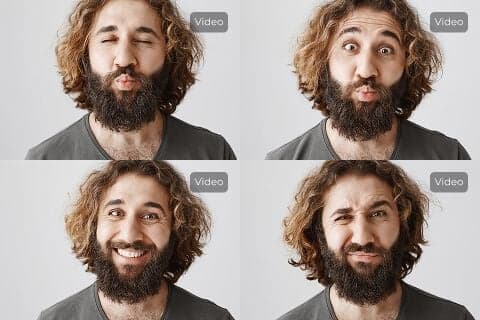
Use speech in any language your audio carries
The lip sync workflow follows the uploaded audio rather than generating speech. That makes it practical for localized voiceovers without promising a built-in voice catalog or an unverified language count.
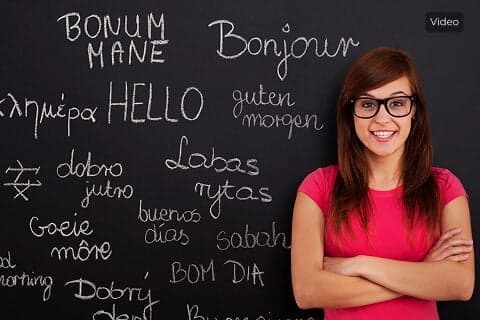
Where AI lip sync fits
Use short, clearly recorded audio and a visible face for the most dependable first result.
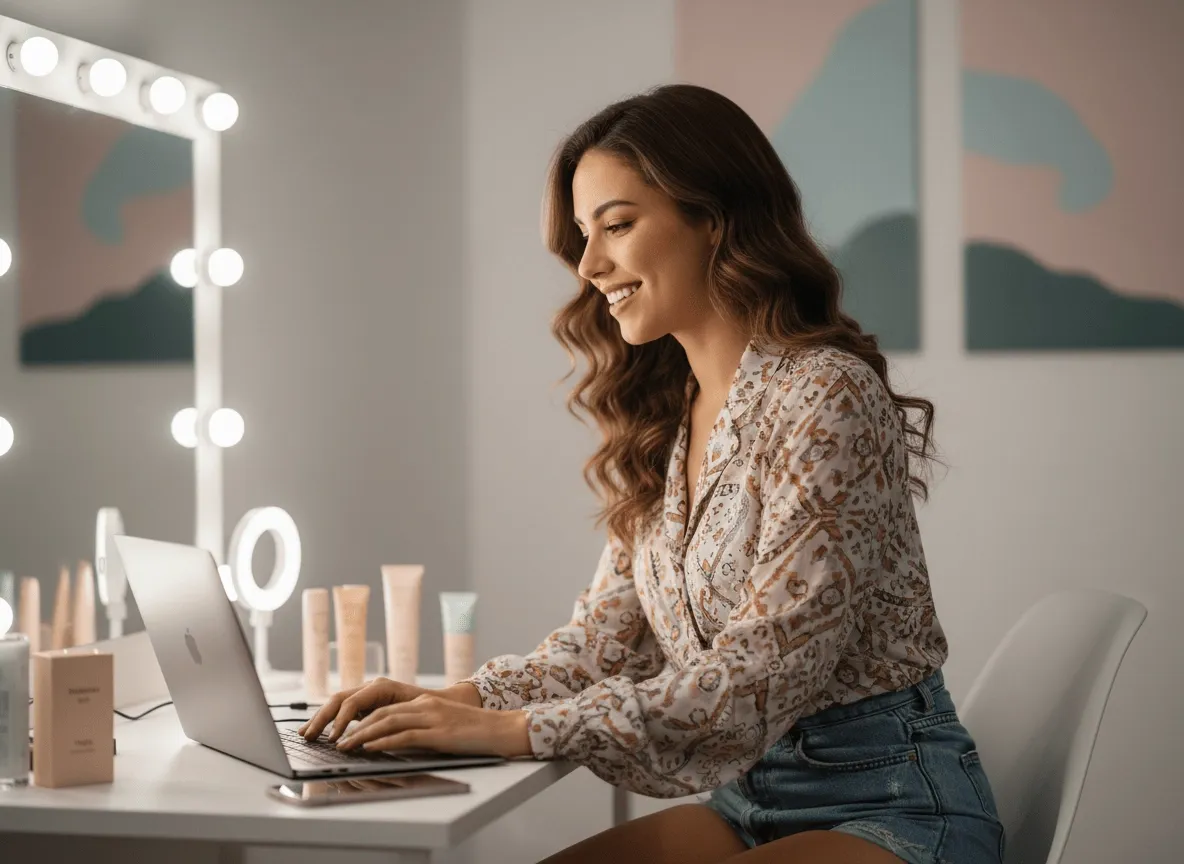
Product marketing
Turn approved voiceovers into compact presenter clips and product explainers.

Training and education
Update narration while keeping a familiar presenter or source clip.

Creator content
Prototype character dialogue, social hooks, and short performance clips.
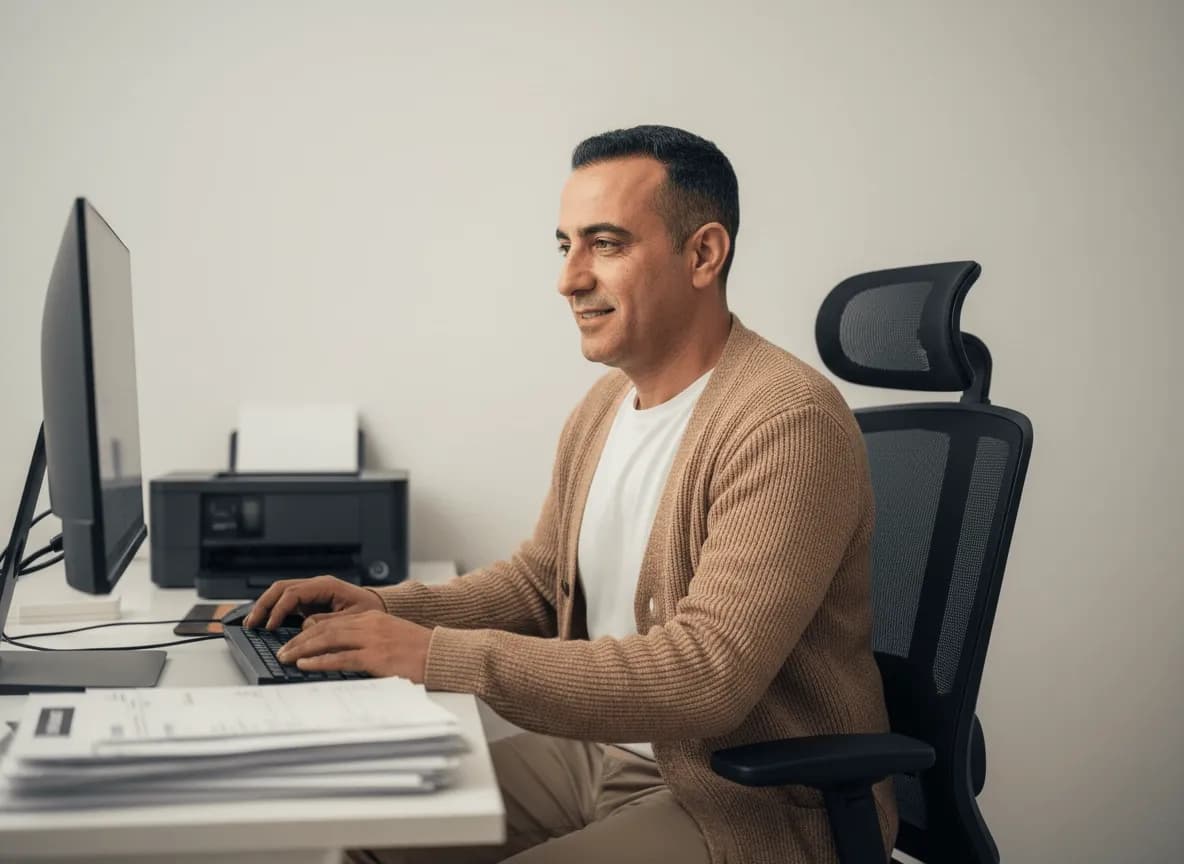
Localization
Pair translated recordings with portrait or video material for regional variants.
How to make a lip-synced video
- 01
Select a model and source
Choose Kling for a portrait image or Volcengine for an existing video, then upload the matching source file.
- 02
Upload and review audio
Add your audio track. SkyVid validates its duration and shows the cost at 8 credits per billable second.
- 03
Configure and generate
Add optional motion guidance for Kling or timing controls for Volcengine, then submit and review the result.
Kling or Volcengine?
Both options cost 8 credits per second, but they solve different source-media problems.
| Compare | Kling AI Avatar | Volcengine |
|---|---|---|
| Source | Portrait image + audio | Source video + audio |
| Output | Talking portrait, 720p | Lip-synced MP4, 25 fps |
| Launch limit | Audio up to 15 seconds | Audio/video up to 300 seconds |
| Controls | Optional motion guidance | Lite and Basic timing controls |
Related AI creation tools
AI Lip Sync FAQ
Which lip sync models does SkyVid support?
SkyVid supports Kling AI Avatar Standard for portrait-image input and Volcengine Video-to-Video Lip Sync for source-video input.
How are lip sync credits calculated?
Both models cost 8 SkyVid credits per billable audio second. Billable seconds are the server-verified audio duration rounded up to the next whole second.
Can I lip sync a photo?
Yes. Select Kling, upload a JPG or PNG portrait, and add an audio file up to the current 15-second launch limit.
Can I lip sync an existing video?
Yes. Select Volcengine and upload an MP4 or MOV source video plus audio. SkyVid currently limits each source video to 100 MB and 300 seconds.
Does the tool include text to speech or a voice library?
No. The current lip sync models require an uploaded audio file. Text-to-speech and voice generation are not included in the displayed lip sync price.
What source material works best?
Use a clearly visible face, steady framing, even lighting, and clean speech. Short test clips are useful before processing a longer Volcengine source video.